 Antation
The AI agent for studying
Add your slides and ask next to them. Record the lecture and see what the professor stressed. Your material stays on your Mac, and it runs on the Claude or ChatGPT plan you already have.
macOS 14 or later · one Claude or ChatGPT plan · the app is in Korean for now
↘ The window is live. Click the tabs, the lectures, the page numbers and Record.

It follows one lecture all the way through
Listening, asking, summarising and memorising happen on one screen.
Ask next to the slide
Page through the slides and ask. Answers come from your slides and recordings, with the page they came from.
What the professor stressed
Record the lecture and it is transcribed on your Mac, then sorted per slide: exam hints, repeats, and things said that are not on the slide.
Notes, questions, cards
It writes study notes with plain explanations and terms, practice questions, and flashcards you can send to Anki.
Explained questions
Add past exam papers and it sorts the questions and adds explanations. Cards from past exams are marked.
Any file becomes a PDF
PowerPoint, Word, images and text files are converted to PDF as you add them, and kept per course.
Record on the Mac
Record in the lecture hall with your Mac, or add a recording you already have. Transcription runs on the device.
Drop in any file, get a PDF
PowerPoint, Word, Excel, images and text files become PDFs the moment you add them, filed under the course. The app also works out what each one is: lecture, past exam or handout. Try it on the right, or drag in a file of your own.
Three steps to start
Connect
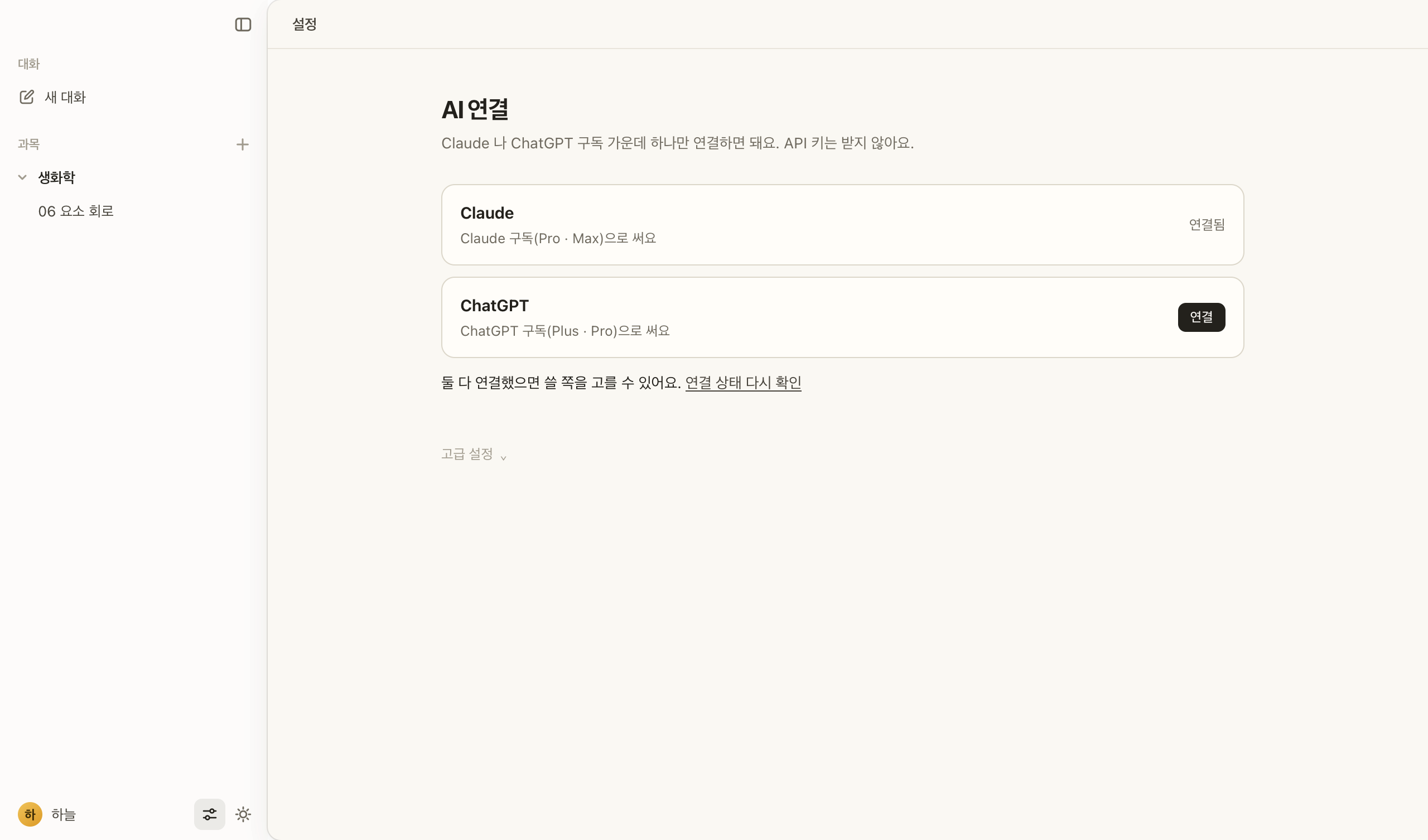
Press Connect in Settings and approve once in the browser. The app installs what it needs.
Add material
Drop in your slides and past exams. The app works out which is which.
Study
Ask as you page through, read the lecture summary, and memorise with cards.
Your material stays on your Mac
- No server. Slides, recordings, transcripts and notes are files in a folder on your Mac.
- No account. You do not sign up for Antation.
- No API key. It uses the Claude or ChatGPT plan you already pay for.
FAQ
What is Antation?
Antation is an AI agent for studying lectures on the Mac. Add your lecture slides as a PDF and ask questions as you page through them. Record the lecture and it transcribes it, then lists what the professor stressed for each slide. It also makes study notes, practice questions and flashcards.
What do I need to use it?
A Mac running macOS 14 or later and either a Claude plan (Pro or Max) or a ChatGPT plan (Plus or Pro). No API key is needed. You press Connect in the app and approve once in the browser.
Where is my material stored?
Slides, recordings, transcripts and notes are stored on your Mac. Antation runs no server and has no account. When you ask a question, the Claude or ChatGPT plan you connected handles it.
Is it only for medical students?
It was built around medical school, but it works the same way for any course taught from slides and tested by exam. The app itself is in Korean for now.
When will it be available?
It is being prepared for release. The Mac app comes first, followed by an iPad app for handwriting and recording.